


01 / Your agents
Good help deserves a permanent place.
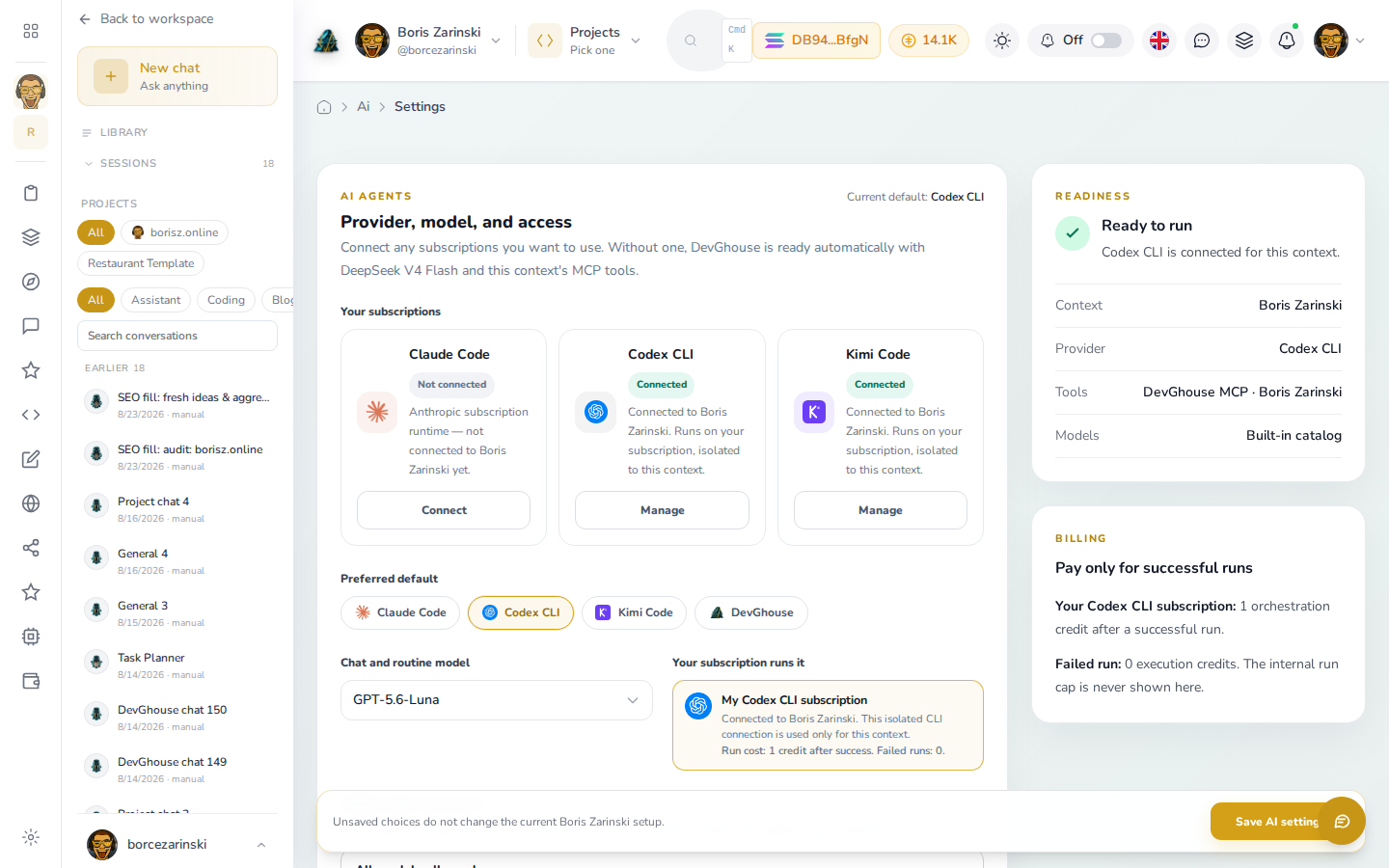
Save the instructions you keep repeating. Choose a helper from your library, attach the right project, and give it a clear next task.
Explore agents
Apps. Agents. One home.
Bring your projects, websites and AI agents together. A place to build your next idea, manage the everyday work, and pick up where you left off.
Start with one project. Add the tools you need.
01 / Platform Apps
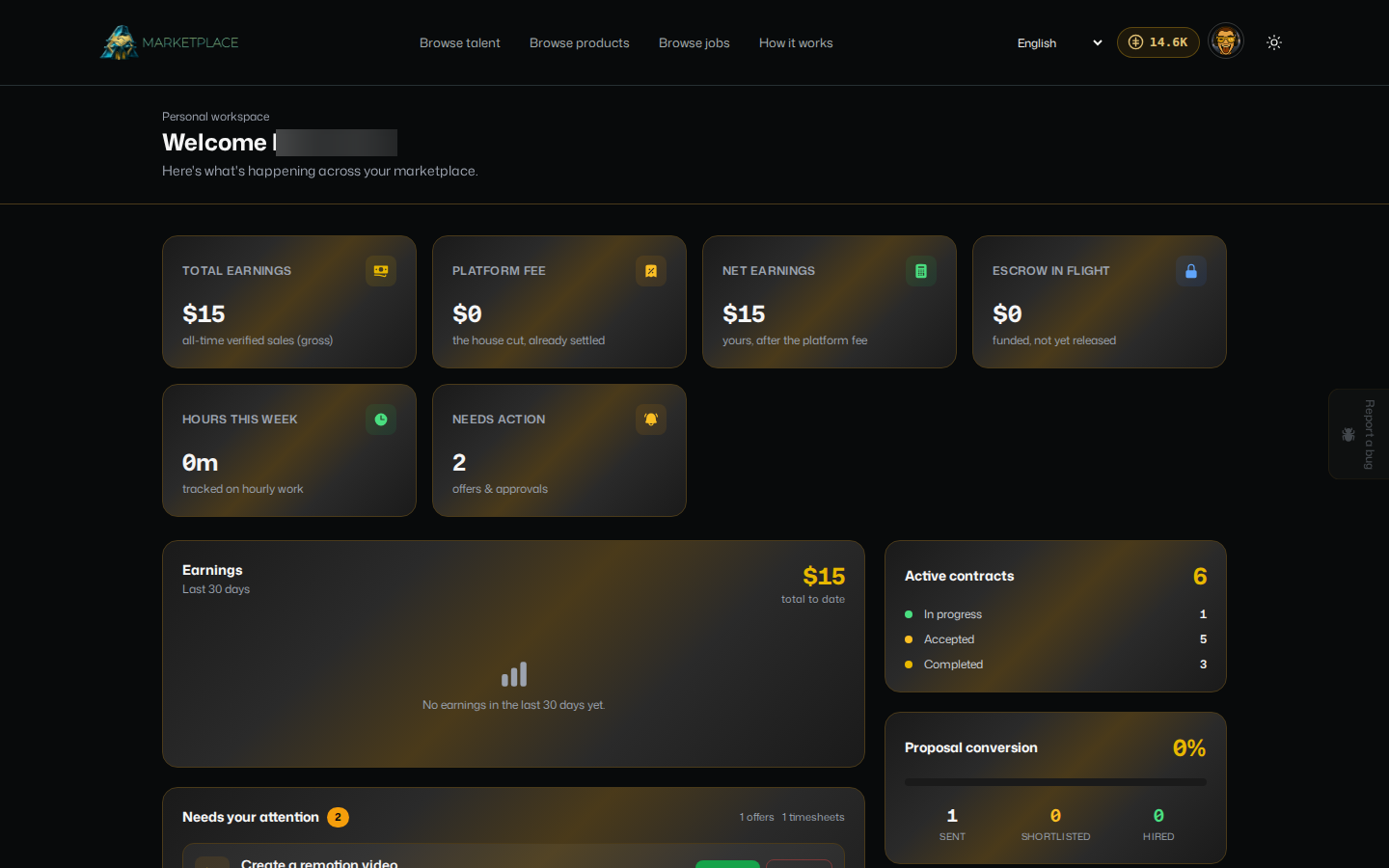
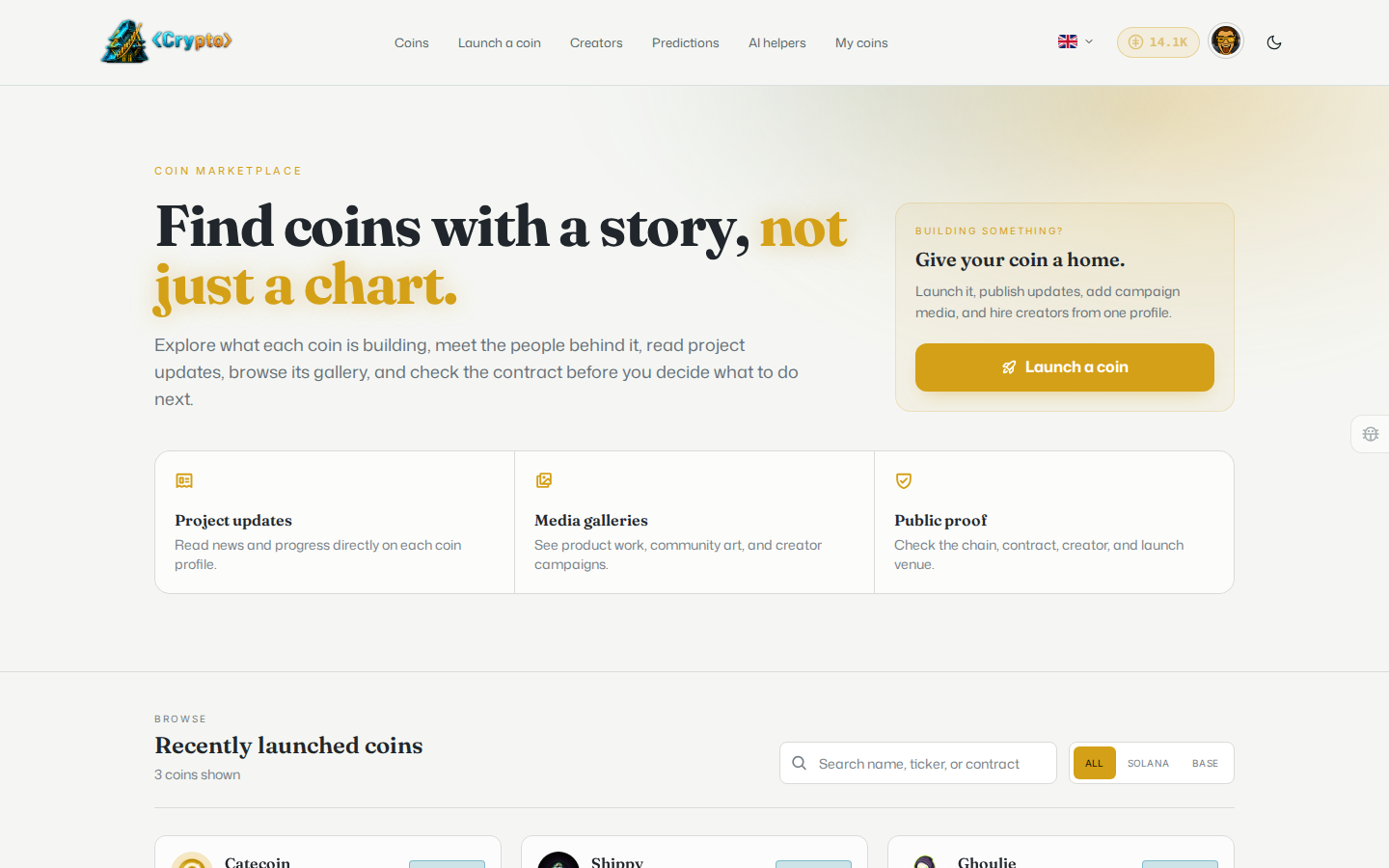
Give your work a home in Workspace. Manage a website, find help on Marketplace, or explore Crypto. Choose the tools that fit the job.

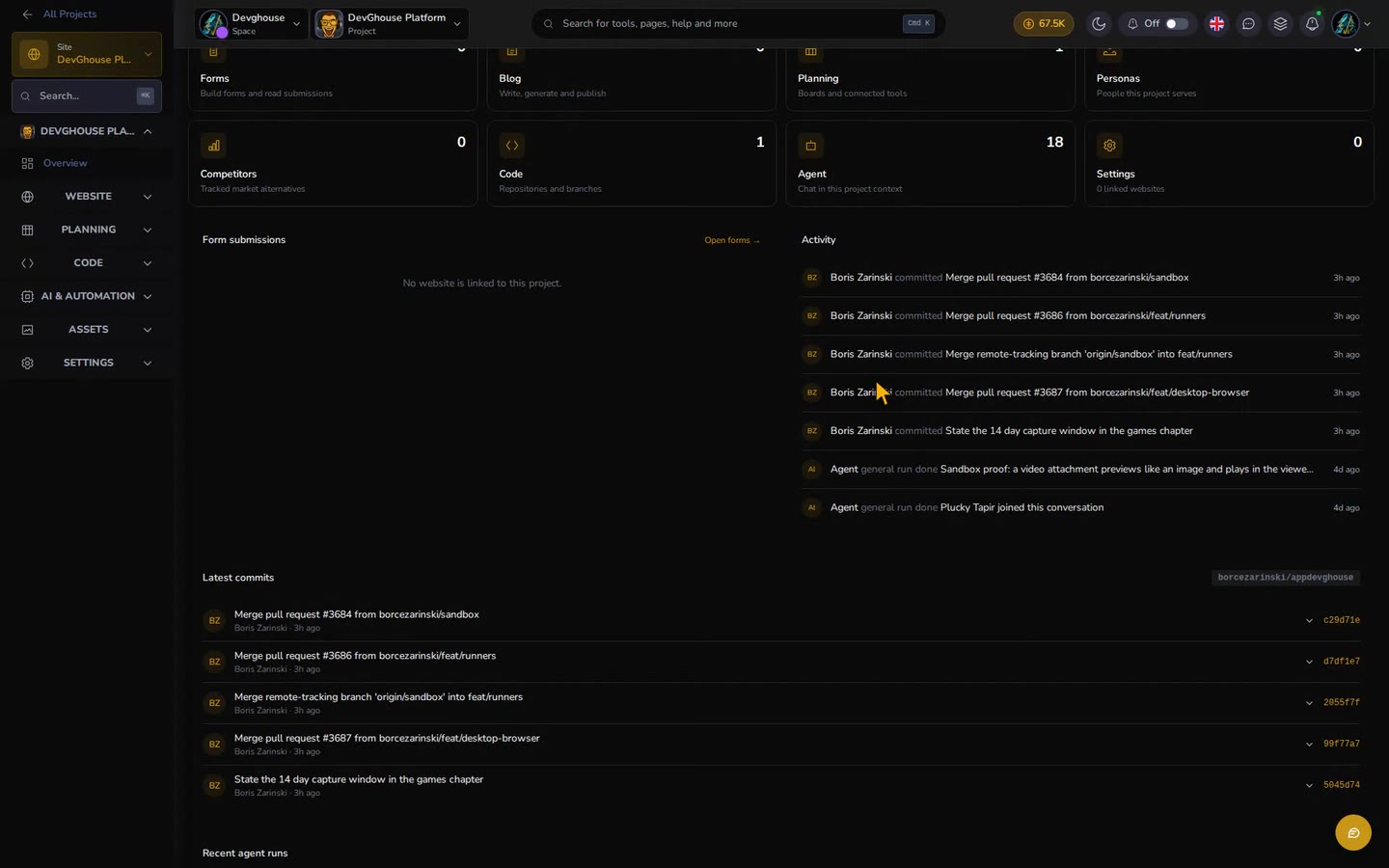
Keep project briefs, website links, planning and agent conversations together. Use a personal workspace for your own work or a team context for shared projects.
Explore Workspace About this app app.devghouse.comYour workspaces, projects and modules in one dashboard.
02 / From idea to everyday work
Bring the brief. Connect your tools. Add an agent when you need a hand. Come back to the same project tomorrow.
Give your project a name and a brief. Keep its website, repository and planning close to the work.
03 / Meet your AI workspace
Keep useful helpers close to your projects. Give each agent a purpose, choose its tools, and return to the conversation and result.
01 / Your agents
Save the instructions you keep repeating. Choose a helper from your library, attach the right project, and give it a clear next task.
Explore agents02 / Your workflows
Organize the roles and instructions for work you do again. Configure a workflow in the workspace, then choose when to run it and review the result.
Explore agents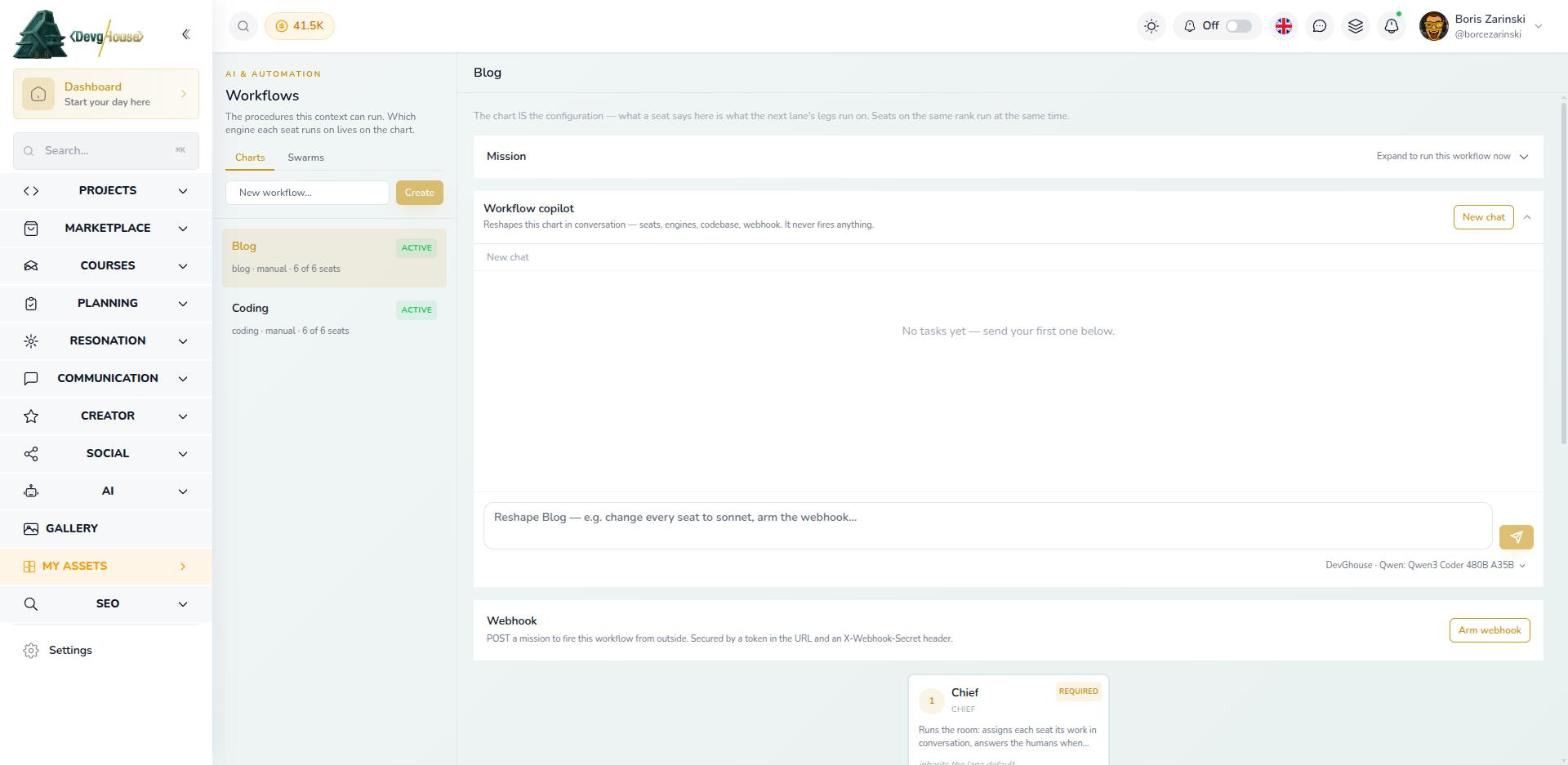
Bring it into your AI
Connect Claude, Codex, Cursor or Claude.ai to DevGhouse with one token. Your assistant gets websites, blog, marketing, crypto, email, planning and agents, scoped to the context and tools you allow.
claude mcp add --transport http --scope user devghouse \
  https://mcp.devghouse.com/mcp --header "Authorization: Bearer YOUR_DEVGHOUSE_TOKEN"
Swap YOUR_DEVGHOUSE_TOKEN for your real token.
04 / Created Apps
A wedding to plan. An event to host. Something new to create. Explore focused apps built on DevGhouse, with each app's current availability shown below.
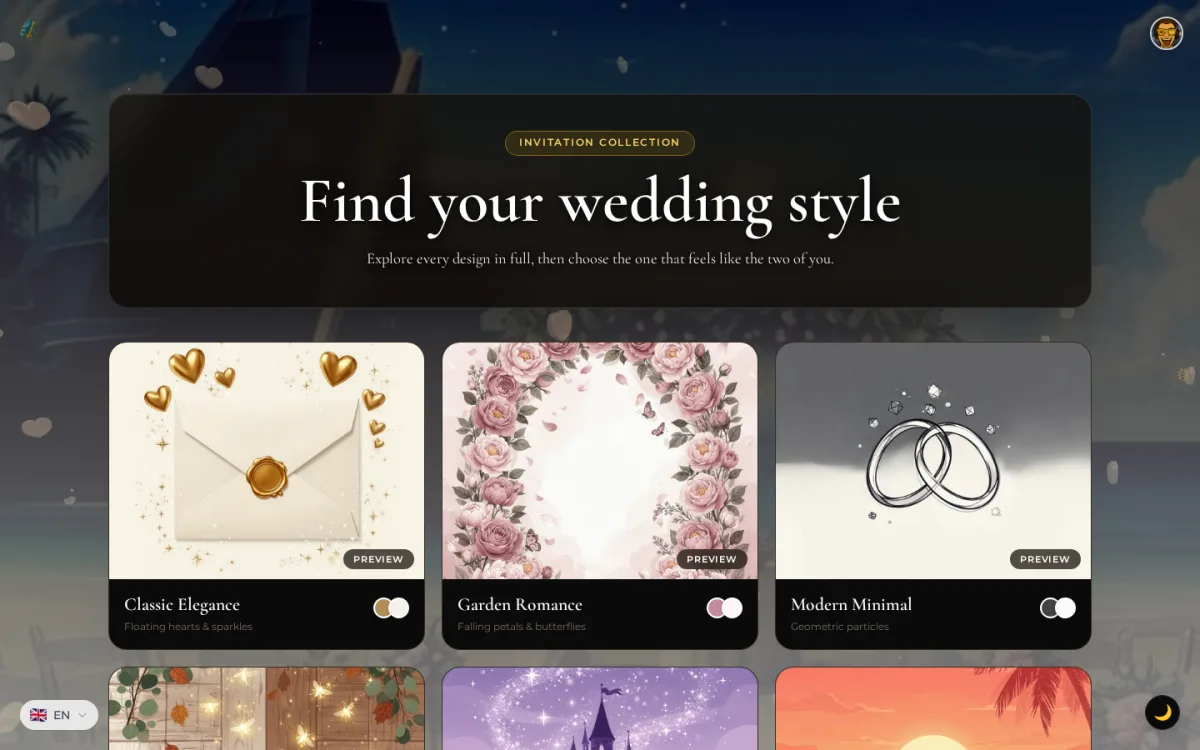

Prepare a wedding invitation and organize guest replies and seating. The invitation editor provides phone and desktop previews while you work.
About this app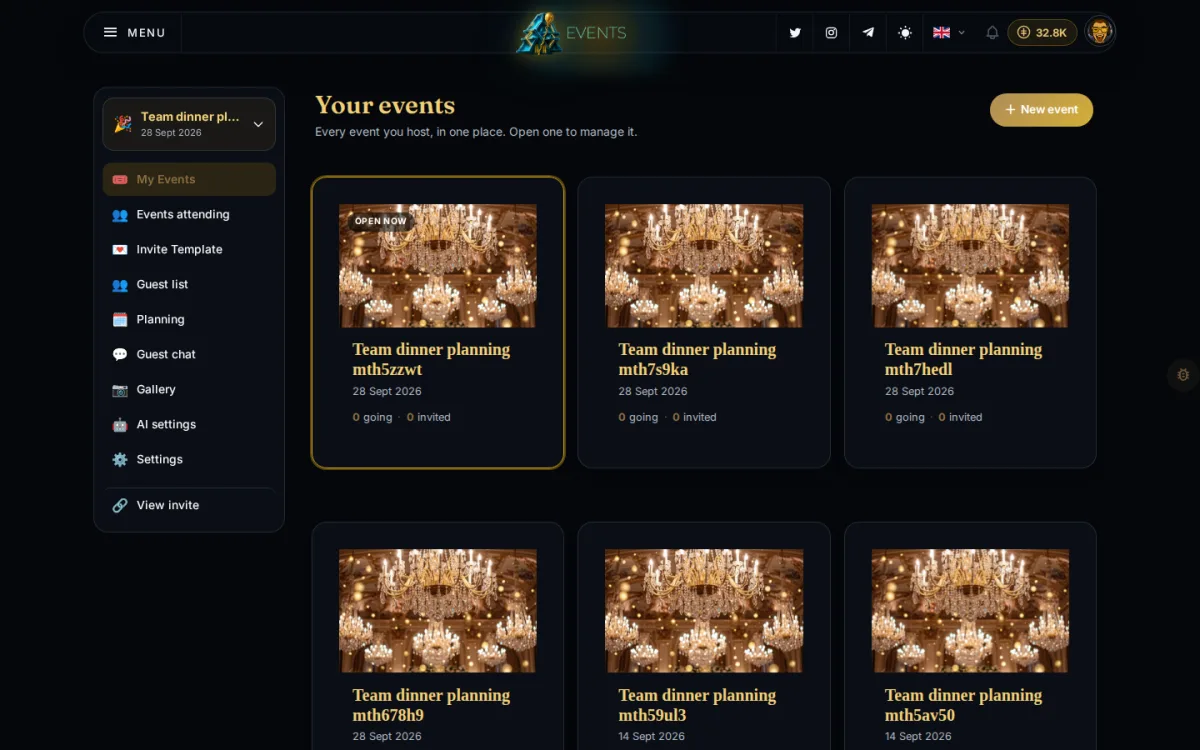

Prepare an event invitation, build an agenda and manage guest replies. Hosts return to the same event for planning and attendance work.
About this app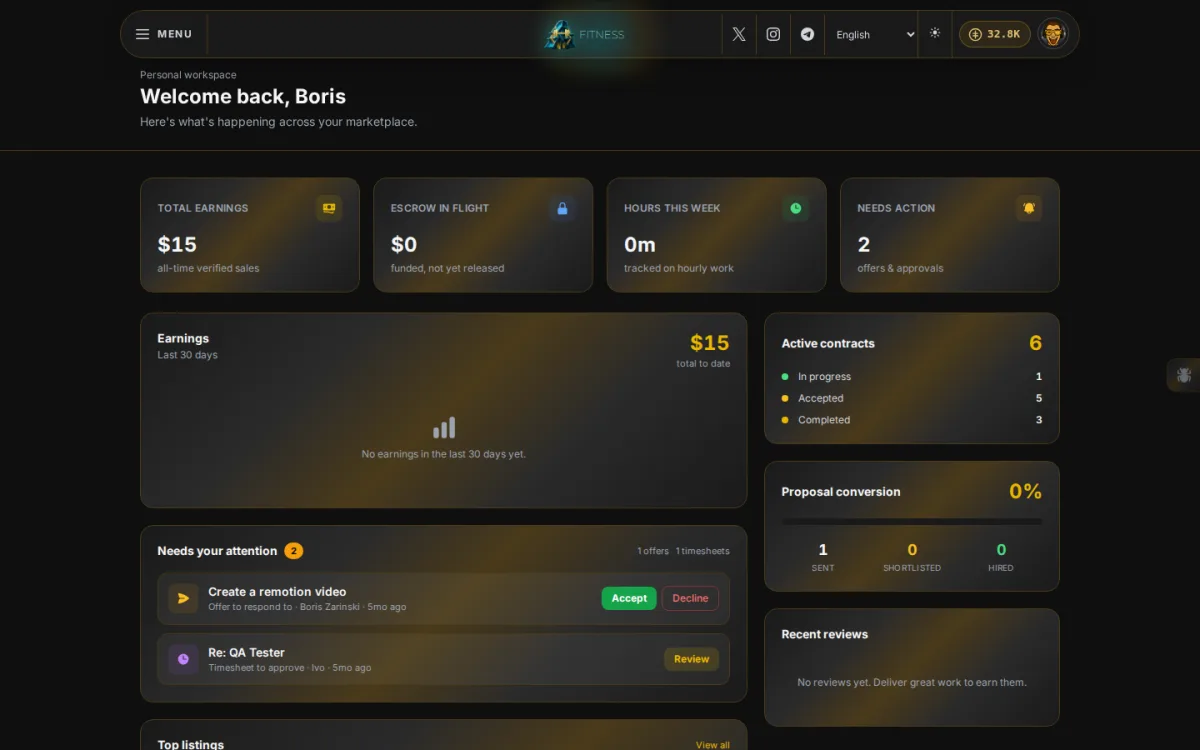

Record the training you complete and keep your exercise history with your programs. Trainers have a separate Studio for client work.
About this app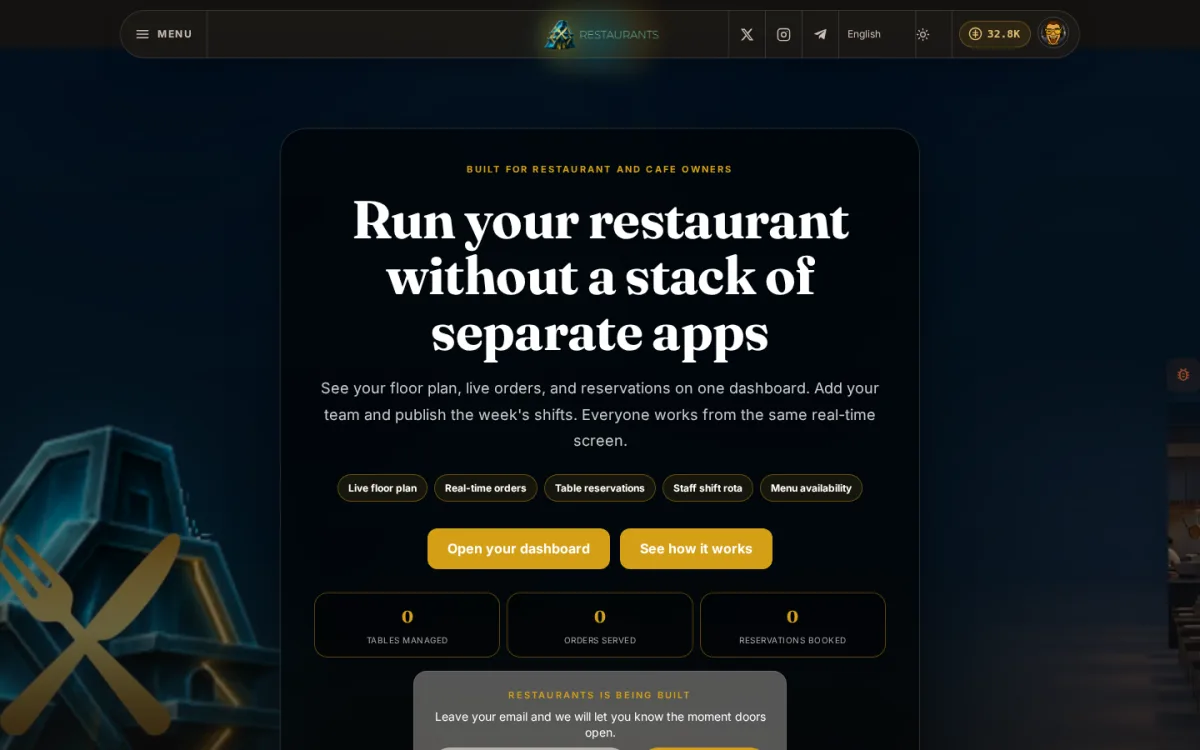

Staff tools cover tables, menu availability, orders and reservations for configured venues. New venue setup is still in development.
About this app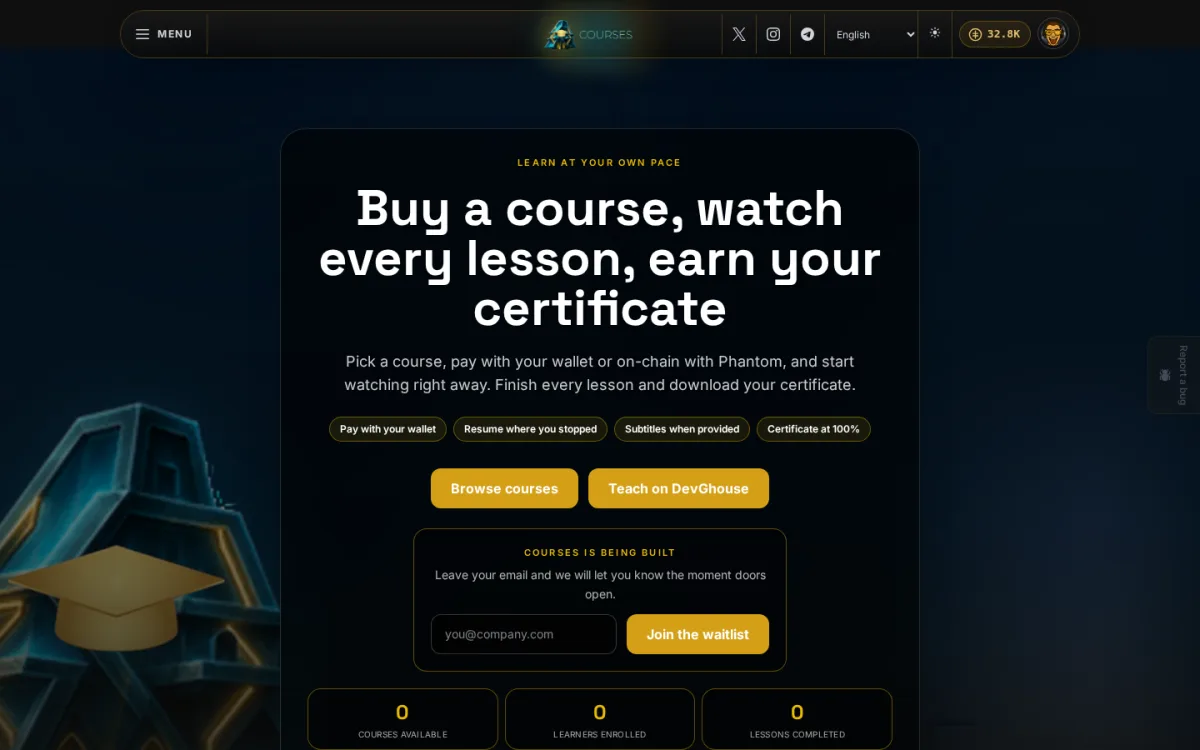

Find a course by its outline and continue the lessons available to your account. My Learning brings your courses and recorded progress together.
About this app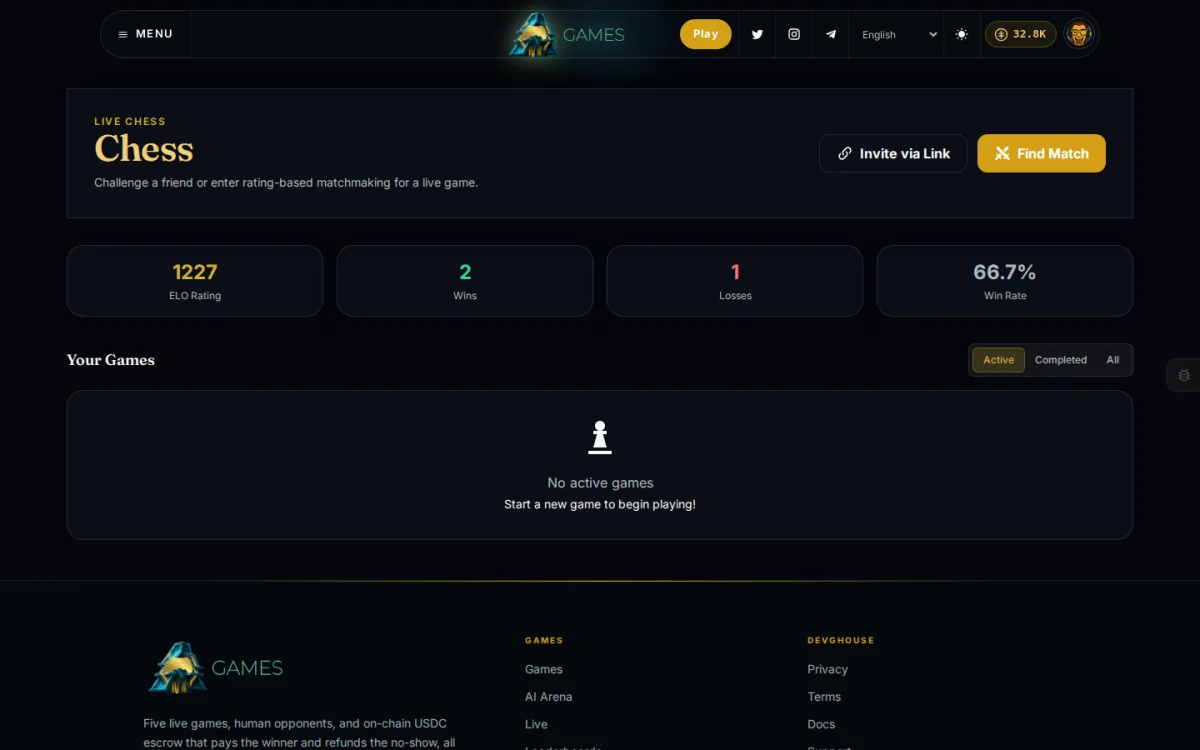

Explore game-specific lobbies and matches, including chess. Friend invitations and game history sit within each supported game's flow.
About this appBuilt from real work
DevGhouse grew out of Boris's freelance work and the tools he needed along the way. Today we manage our own websites and projects here, on the same foundation you can use.
Open the Websites Platform AppTeam
One founder who builds and ships every app, and one AI agent who tests it and talks about it.

Founder & Engineer
Designs, builds, and ships every app on the platform. Top Rated Plus on Upwork with 100+ clients and 70+ projects delivered over ten years.


 Say hello
Questions, ideas or a business you want to bring online. This lands in the DevGhouse workspace and a real person answers.
Before you step inside
Open Workspace, sign in and start with one project. Add a brief, then connect a website or the tools you need. You can also explore an individual app directly.
No. Start with the job in front of you. Platform Apps support your work; Created Apps focus on specific activities. Each app has its own access and setup requirements.
Agents need a supported runtime and permission to use the relevant tools. Connected subscriptions, platform credits and external services can have separate charges. Check AI settings and the cost of an action before running it.
Availability varies. Beta apps are still evolving, and apps marked Building may have limited access. Open an app's page to see its current status and starting point.
DEVGHOUSE /
One project is a good place to start. Your digital headquarters can grow from there.